Field guide
Revolver Arena Controls for PC, Controller and Mobile
Use this reference to check your platform's listed controls.
ON THIS PAGEOfficial control referenceSet up mobile buttons
Official control reference
Use this reference to check your platform's listed controls.
| Action | PC | Controller |
|---|---|---|
| Shoot | M1 | R2 |
| Aim or stab | M2 | L2 |
| Slide | Ctrl or C | B |
| Reload | R | X |
| Swap | Q | Y |
| Jump | Space | A |
Set up mobile buttons
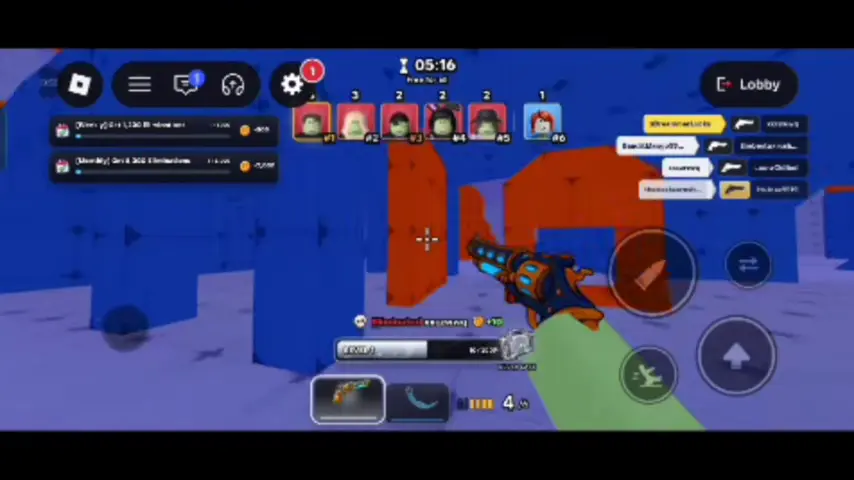
The developer confirms movable, resizable on-screen buttons and aim assist. Leave space to drag your aim. Separate jump and slide enough to tap each reliably. Test one change during a round before moving another button.
The recorded mobile HUD places two weapon slots and the ammo counter along the bottom, with separate slide and jump buttons at the lower right. Check those spots first if you are moving from desktop.